ASIN
Type:
asin• Category:indicators
Description
Vector Trigonometric ASin
Parameters
| Name | Type | Description | Required | Default |
|---|---|---|---|---|
dataExp | string | Input data | no | |
real | string | Data column to apply the calculation to (e.g., closing price) | no |
Help
ASIN
Vector Trigonometric ASin
Description
The ASIN worker is an indicator used in financial analysis to calculate the vector trigonometric arcsine of a specified data column. This worker is particularly useful for analyzing and visualizing financial data in a more interpretable form.
What does this worker do?
The ASIN worker takes an input data series (dataExp) and applies the arcsine calculation to a specified column (real), typically a price column such as the closing price. The arcsine function returns the angle (in radians) whose sine is a given number. In the context of financial analysis, this can help in identifying patterns or trends that are not immediately apparent through other calculations.
How to Interpret the Results
The results from the ASIN worker are values representing the arcsine of the input data. These values can be used to analyze cyclical patterns or trends in the data. For example, applying ASIN to a closing price column can help in identifying potential buy or sell signals based on the arcsine values.
Usage
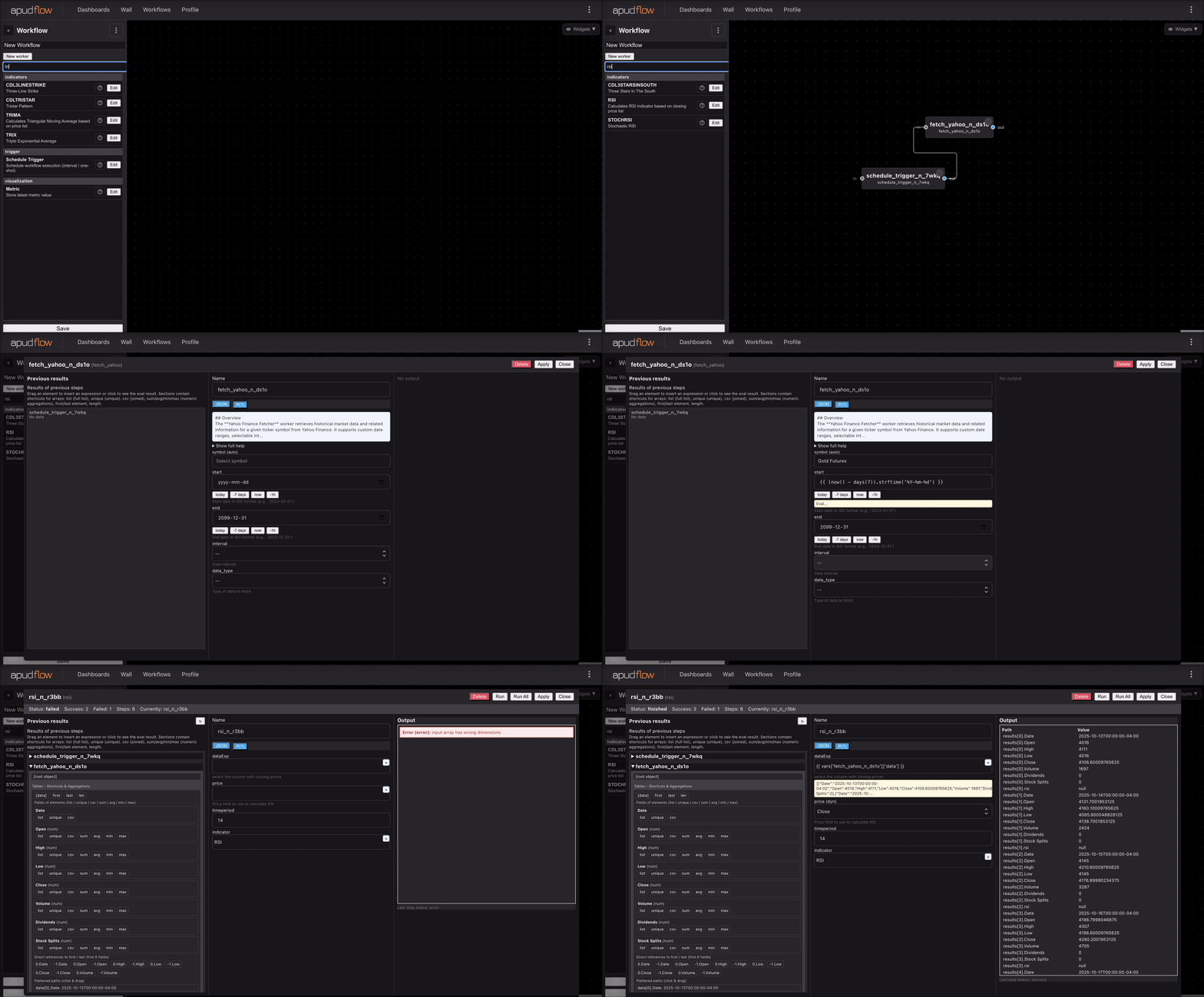
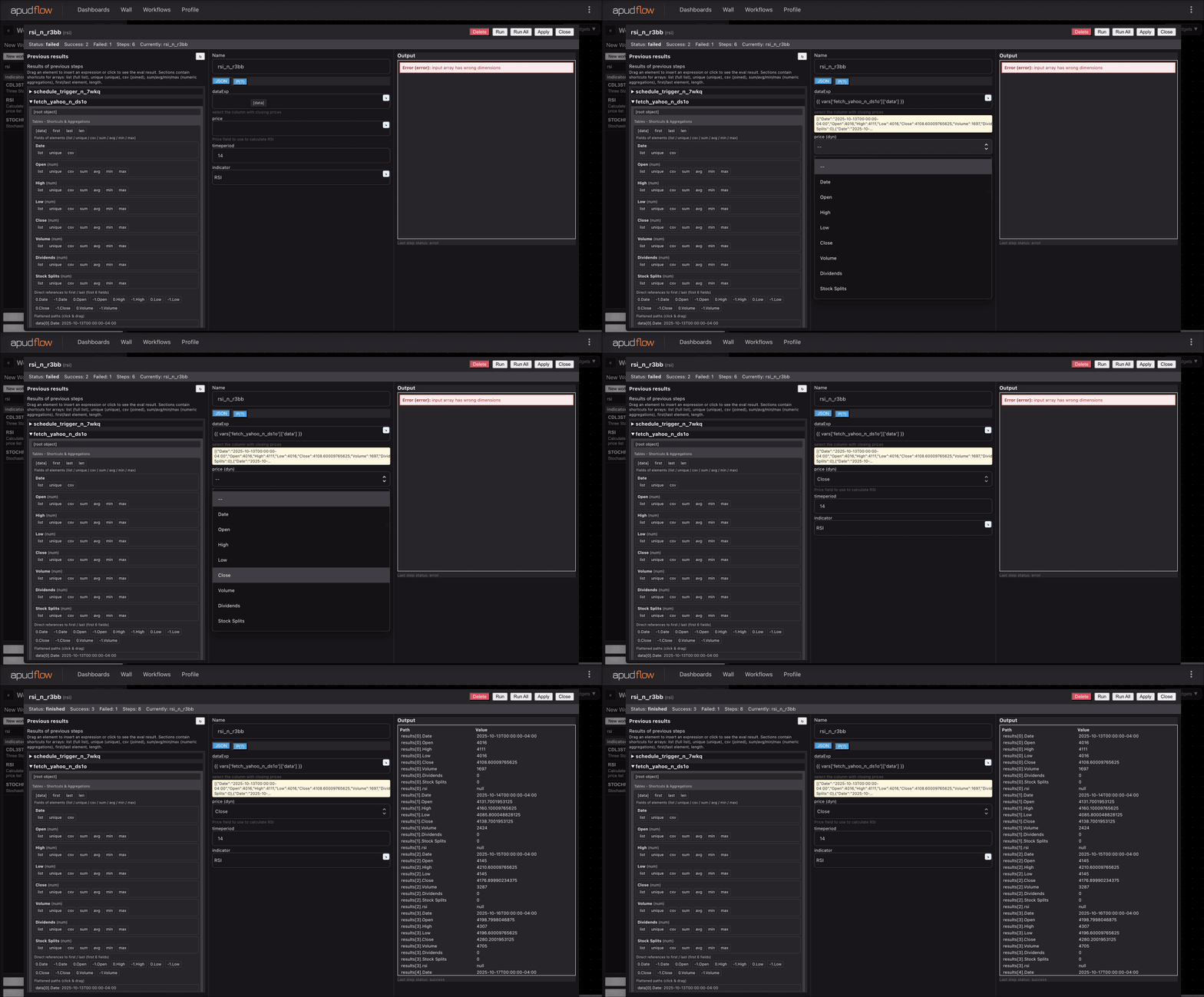
To use the ASIN worker, follow these steps:
- Input your data into the
dataExpparameter. - Specify the column to apply the calculation to in the
realparameter (e.g., closing price).
Additional Information
The arcsine function, or ASin, is a mathematical function used to calculate the angle whose sine is a given value. It is the inverse of the sine function. In financial analysis, trigonometric functions like ASin can be used to analyze and model cyclical patterns in financial markets.
Visual Guide
For a visual guide on how to use the ASIN worker, refer to the following images:
Full Usage Example
[](https://pub-6c7cc7f707d94ca98153d59a039b9a3d.r2.dev/indicator_full.gif)
Short Usage Example
[](https://pub-6c7cc7f707d94ca98153d59a039b9a3d.r2.dev/indicator_short.gif)
Parameters
dataExp: Input datareal: Data column to apply the calculation to (e.g., closing price)
By following this documentation, users can effectively utilize the ASIN worker for financial analysis and gain deeper insights into their data.