SUB
Type:
sub• Category:indicators
Description
Vector Arithmetic Subtraction
Parameters
| Name | Type | Description | Required | Default |
|---|---|---|---|---|
real0 | string | First input array | no | |
real1 | string | Second input array | no |
Help
SUB: Vector Arithmetic Subtraction
Description
The SUB worker is an indicator used in financial analysis to perform vector arithmetic subtraction between two input arrays. This worker calculates the difference between the corresponding elements of two input arrays, real0 and real1, and returns the result as an output array.
What does this worker do?
The SUB worker takes two input arrays, real0 and real1, and subtracts the elements of real1 from the elements of real0. The result is an output array where each element is the difference between the corresponding elements of the input arrays.
How to interpret the results
The output array represents the difference between the two input arrays. A positive value in the output array indicates that the corresponding element in real0 is greater than the element in real1. A negative value indicates that the element in real1 is greater than the element in real0.
Usage
To use the SUB worker, simply provide two input arrays, real0 and real1, and the worker will return the output array.
Example
The following example illustrates how to use the SUB worker:
| real0 | real1 | Output |
|---|---|---|
| 10 | 5 | 5 |
| 20 | 15 | 5 |
| 30 | 25 | 5 |
Indicator Usage
For a visual representation of how to use the SUB worker, please refer to the following GIFs:
Full GIF
[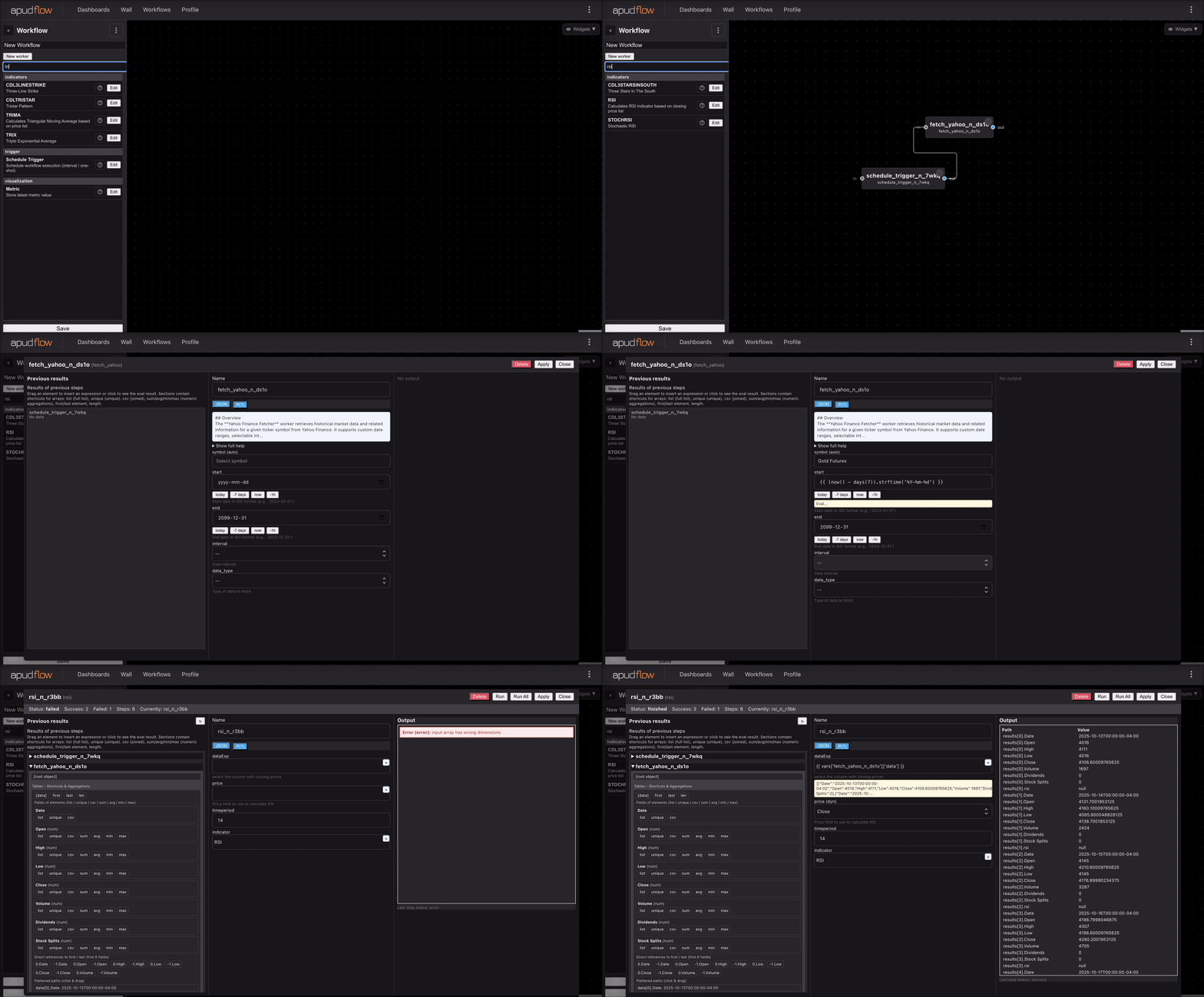](https://pub-6c7cc7f707d94ca98153d59a039b9a3d.r2.dev/indicator_full.gif)
Short GIF
[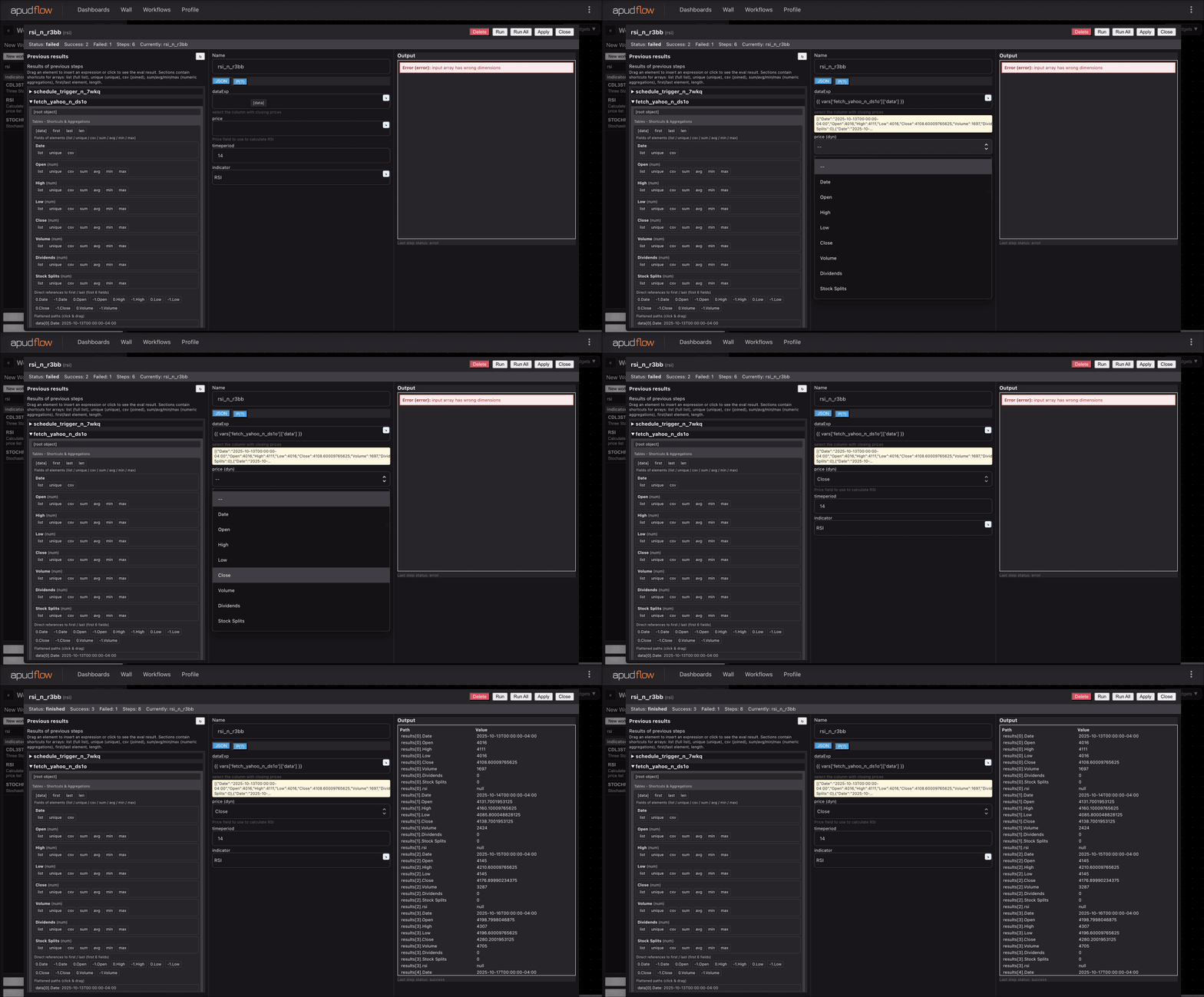](https://pub-6c7cc7f707d94ca98153d59a039b9a3d.r2.dev/indicator_short.gif)
Additional Information
The SUB worker is a basic arithmetic operation commonly used in financial analysis to calculate differences between two sets of data. This worker can be used as a building block for more complex calculations and indicators.
Parameters
real0: First input arrayreal1: Second input array
By following this documentation, you should be able to effectively use the SUB worker in your financial analysis tasks. If you have any further questions or need more information, please don't hesitate to ask.