LINEARREG
Type:
linearreg• Category:indicators
Description
Linear Regression (line values)
Parameters
| Name | Type | Description | Required | Default |
|---|---|---|---|---|
dataExp | string | prices data | no | |
real | string | Data column to apply the calculation to (e.g., closing price) | no | |
timeperiod | number | Number of periods to use for LINEARREG calculation | no | 14 |
Help
LINEARREG
Linear Regression (line values)
The LINEARREG worker is an indicator used in financial analysis to calculate the linear regression line values for a given data series.
Description
The LINEARREG worker calculates the linear regression line values for a specified data column (e.g., closing price) over a defined number of periods. Linear regression is a statistical method used to model the relationship between a dependent variable and one or more independent variables. In the context of financial analysis, linear regression is often used to identify trends and predict future values.
The LINEARREG worker takes three parameters:
dataExp: prices datareal: Data column to apply the calculation to (e.g., closing price)timeperiod: Number of periods to use for LINEARREG calculation
What does this worker do?
The LINEARREG worker calculates the linear regression line values for the specified data column over the defined number of periods. The result is a line that best fits the data, showing the trend of the values over time.
How to interpret the results
The LINEARREG line can be interpreted as follows:
- A rising LINEARREG line indicates an upward trend in the data
- A falling LINEARREG line indicates a downward trend in the data
- A flat LINEARREG line indicates no trend or a stable relationship between the variables
Using the LINEARREG worker
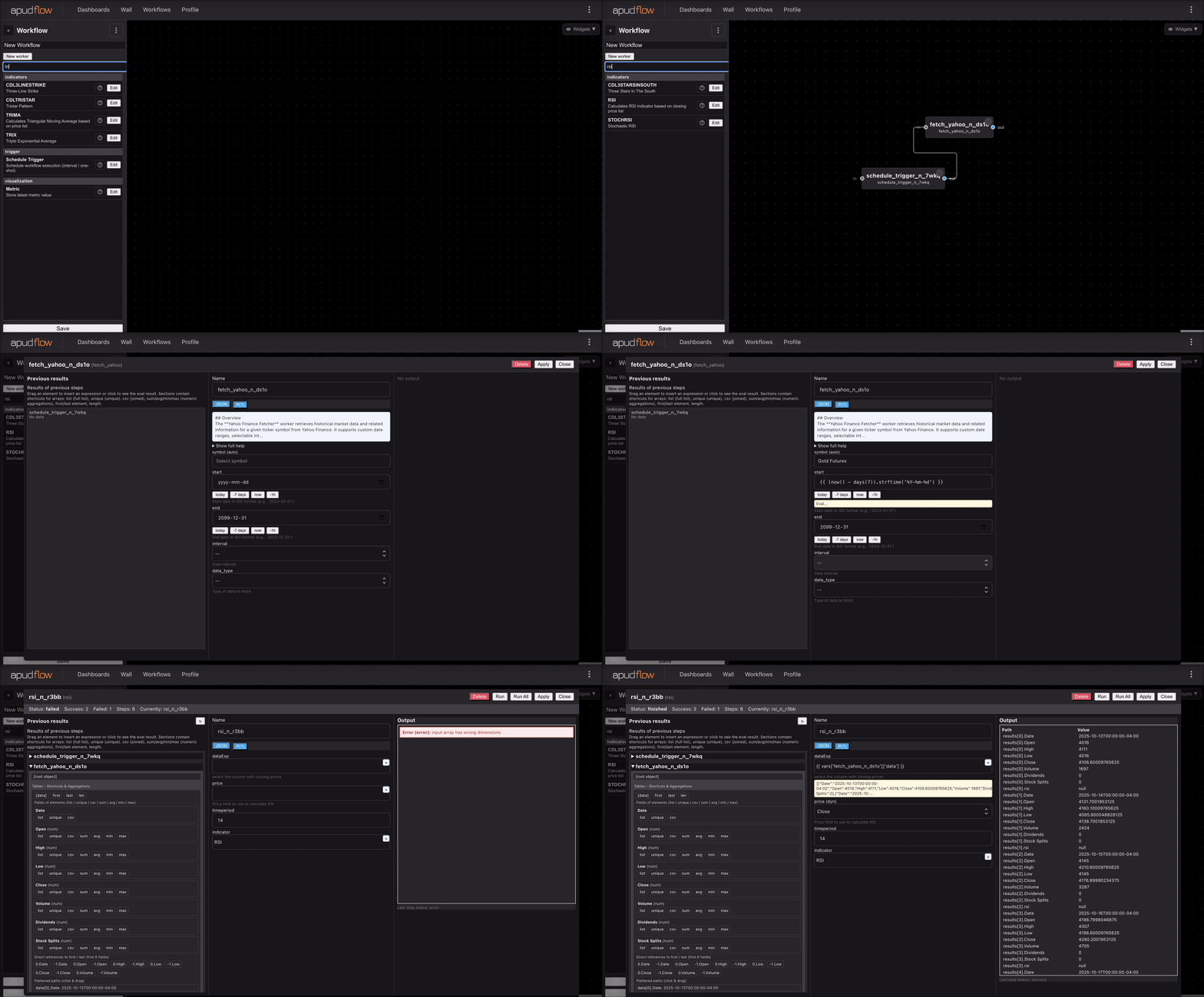
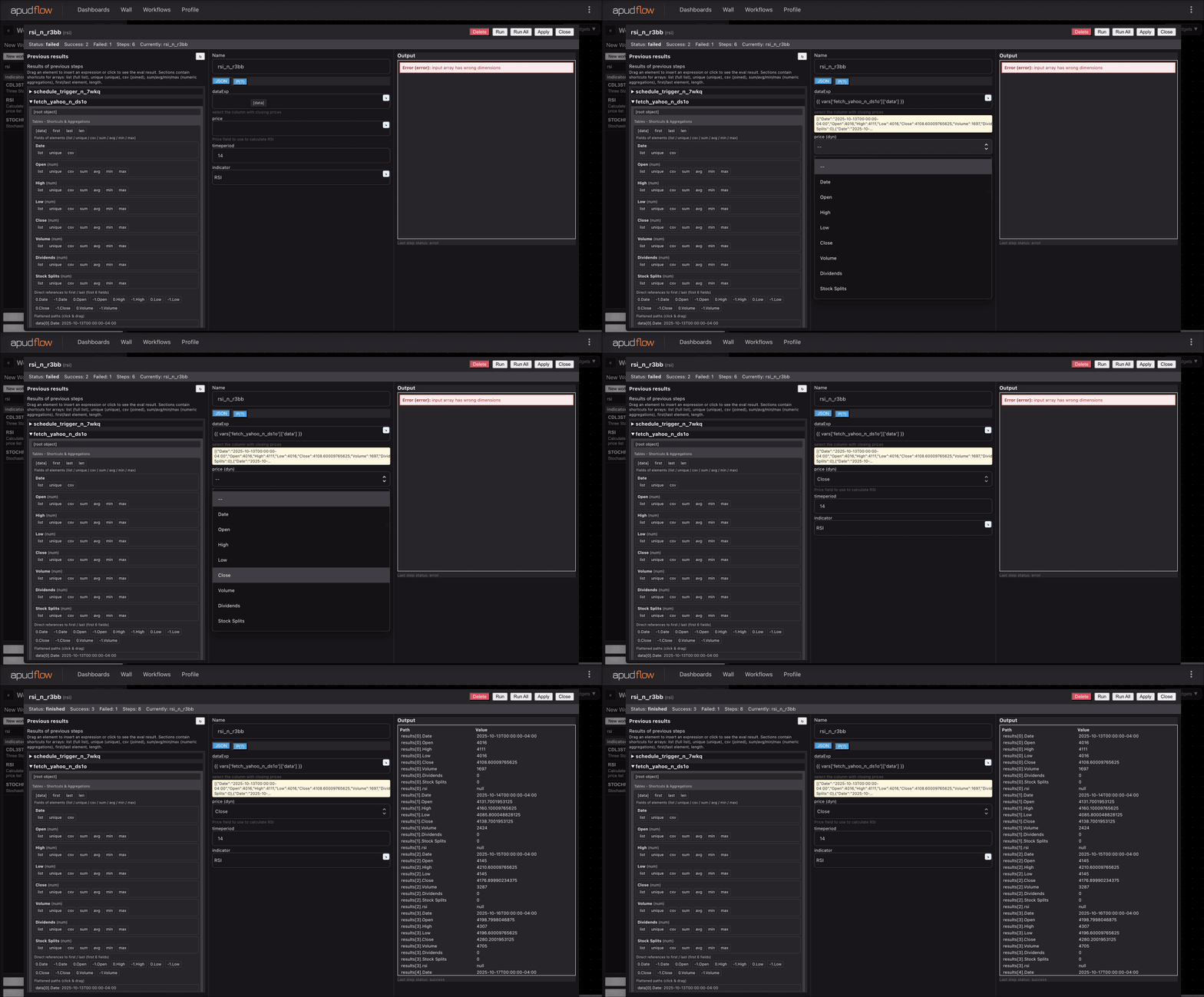
To use the LINEARREG worker, simply provide the required parameters:
dataExp: the prices datareal: the data column to apply the calculation to (e.g., closing price)timeperiod: the number of periods to use for the LINEARREG calculation
For example, to calculate the LINEARREG line for the closing price over 20 periods, you would use:
LINEARREG(dataExp=prices, real='close', timeperiod=20)
Visualizing the LINEARREG worker
The following images demonstrate how to use the LINEARREG worker:
Full example
[](https://pub-6c7cc7f707d94ca98153d59a039b9a3d.r2.dev/indicator_full.gif)
Short example
[](https://pub-6c7cc7f707d94ca98153d59a039b9a3d.r2.dev/indicator_short.gif)
Additional knowledge
The LINEARREG worker is commonly used in technical analysis to:
- Identify trends and trend reversals
- Predict future values
- Confirm other technical indicators
It's essential to note that the LINEARREG worker assumes a linear relationship between the variables, which may not always be the case. Additionally, the worker is sensitive to outliers and non-normal distributions.
By using the LINEARREG worker, you can gain insights into the underlying trends and relationships in your data, making it a valuable tool for financial analysis and decision-making.