AVGPRICE
Type:
avgprice• Category:indicators
Description
Average Price
Parameters
| Name | Type | Description | Required | Default |
|---|---|---|---|---|
dataExp | string | prices data | no | |
open | string | select the column with opening prices | no | |
high | string | select the column with highest prices | no | |
low | string | select the column with lowest prices | no | |
close | string | select the column with closing prices | no |
Help
AVGPRICE
Average Price
The Average Price indicator is a simple yet useful tool in financial analysis, providing insight into the average price of a security over a specified period. This worker calculates the average price based on the opening, high, low, and closing prices of a financial instrument.
Description
The Average Price indicator is calculated using the formula: (Open + High + Low + Close) / 4. This provides a straightforward view of the security's average price over the period, offering a different perspective compared to more commonly used indicators like the Simple Moving Average (SMA).
What does this worker do?
This worker takes in price data for a financial instrument, specifically requiring:
dataExp: The prices data.open: The column with opening prices.high: The column with the highest prices.low: The column with the lowest prices.close: The column with closing prices.
It then computes the average price for each period based on the provided data and returns this value.
How to Interpret the Results
The Average Price can be used in several ways:
- Trend Identification: A rising average price indicates an uptrend, while a falling average price suggests a downtrend.
- Support and Resistance: The average price can act as a support level in an uptrend or a resistance level in a downtrend.
- Comparison with Other Indicators: Comparing the average price with other indicators, such as moving averages, can provide additional insights into market trends and potential entry or exit points.
Additional Knowledge
The Average Price indicator is not as commonly referenced as some other technical indicators but can be particularly useful for:
- Intraday Analysis: It can help in identifying the fair value of a stock during the trading day.
- Simple Trend Analysis: Offers a straightforward view of price trends without the complexity of more advanced indicators.
Usage Example
To use the AVGPRICE worker, follow these steps:
- Prepare your data with the required columns: open, high, low, and close prices.
- Input your data into the worker, specifying the respective columns for open, high, low, and close prices.
- The worker will calculate and output the average price for each period.
Visual Guide
For a visual demonstration of how to use the AVGPRICE indicator, refer to the following GIFs:
Full Usage Example
[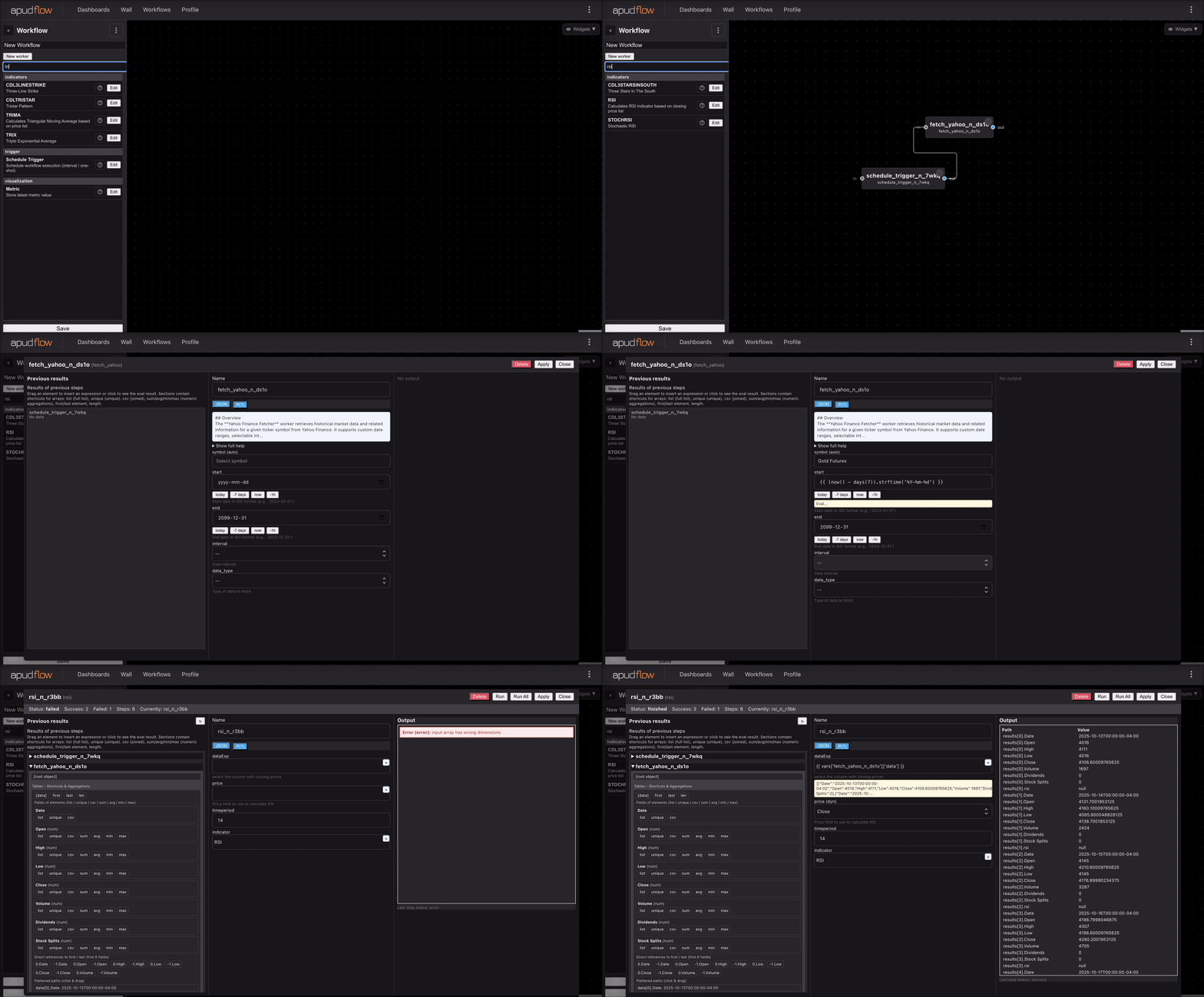](https://pub-6c7cc7f707d94ca98153d59a039b9a3d.r2.dev/indicator_full.gif)
Short Usage Example
[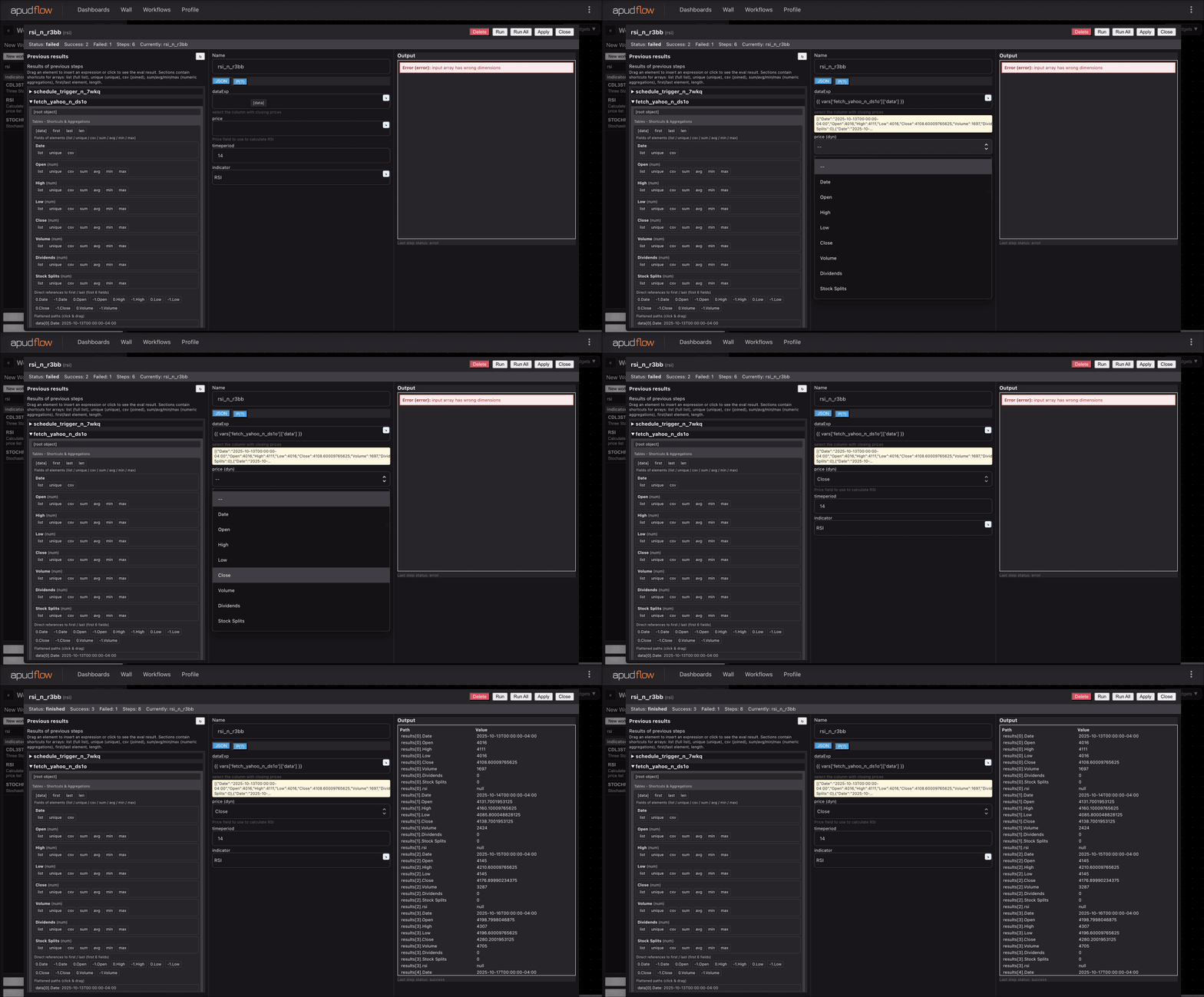](https://pub-6c7cc7f707d94ca98153d59a039b9a3d.r2.dev/indicator_short.gif)
These visual guides provide step-by-step instructions on integrating and utilizing the AVGPRICE indicator in your financial analysis.