MAMA
Type:
mama• Category:indicators
Description
Calculates MAMA Adaptive Moving Average based on price list
Parameters
| Name | Type | Description | Required | Default |
|---|---|---|---|---|
dataExp | string | prices data | no | |
price | string | Price field to use to calculate MAMA | no | |
fastlimit | number | Fast limit for MAMA | no | 0 |
slowlimit | number | Slow limit for MAMA | no | 0 |
Help
MAMA: Adaptive Moving Average Indicator
Description
The MAMA (Mesa Adaptive Moving Average) indicator is a technical analysis tool used in financial markets to calculate an adaptive moving average based on price data. This worker calculates the MAMA using a specified price field and provides a smoothed representation of price movements.
What does this worker do?
The MAMA worker takes in a dataset of price information and calculates the MAMA using the specified parameters. The MAMA is a type of moving average that adapts to market conditions, providing a more accurate representation of price trends.
How to interpret the results
The MAMA indicator can be used to:
- Identify trends: When the MAMA is moving upwards, it indicates an uptrend, and when it's moving downwards, it indicates a downtrend.
- Generate signals: Crossovers between the MAMA and other moving averages or price levels can be used to generate buy and sell signals.
Parameters
dataExp: The input dataset containing price information.price: The price field to use for calculating the MAMA.fastlimit: The fast limit parameter for the MAMA calculation.slowlimit: The slow limit parameter for the MAMA calculation.
Additional Information
The MAMA indicator was developed by John Ehlers, a well-known technical analyst and author. The MAMA is designed to adapt to changing market conditions, providing a more accurate representation of price trends. The indicator uses a combination of two exponential moving averages (EMAs) with different time periods to calculate the MAMA.
Example Usage
To use this worker, simply provide the required parameters and a dataset of price information. The worker will calculate the MAMA and return the results.
Visualizing the MAMA Indicator
For a visual representation of how to use the MAMA indicator, see the following GIFs:
Full GIF
[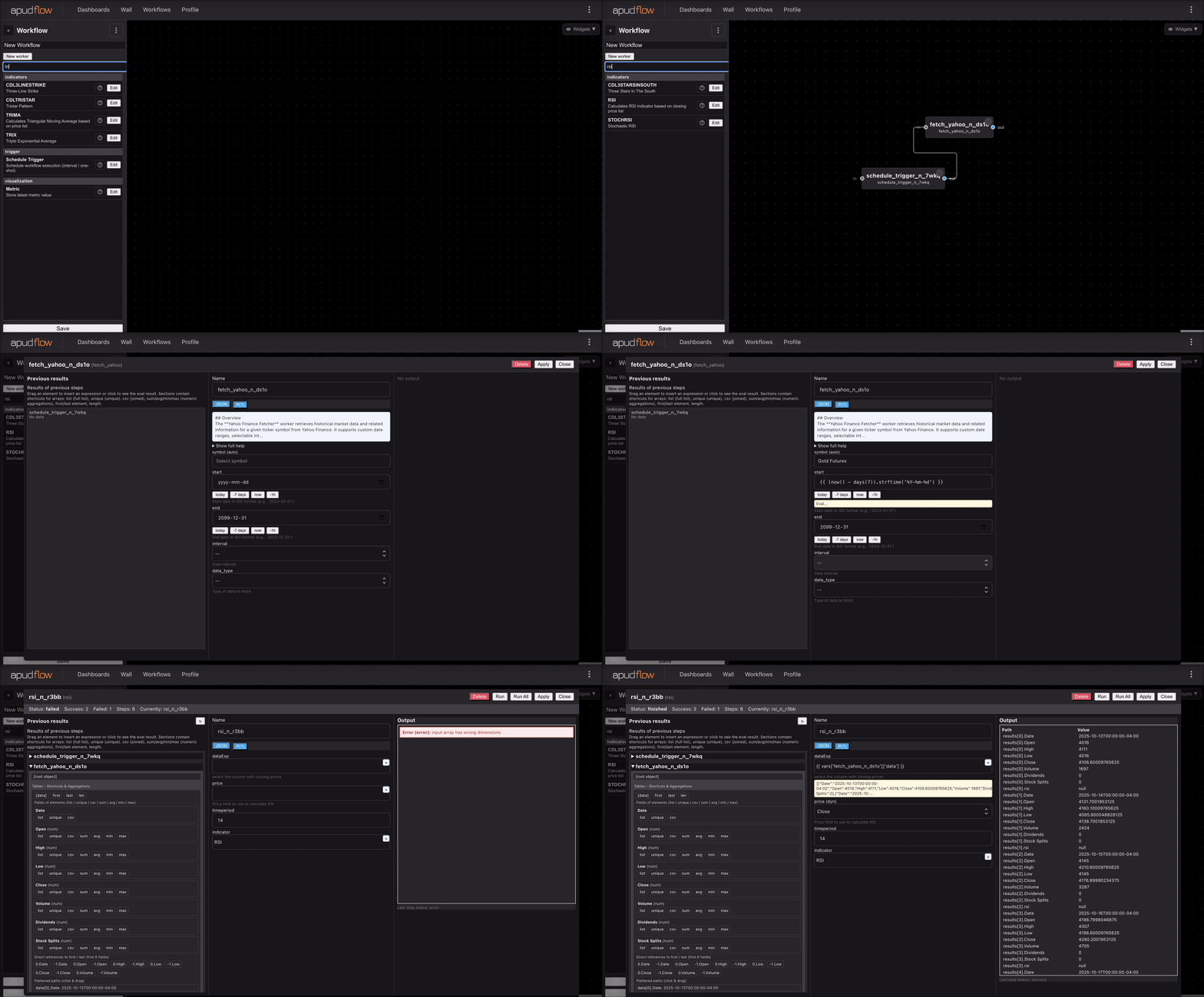](https://pub-6c7cc7f707d94ca98153d59a039b9a3d.r2.dev/indicator_full.gif)
Short GIF
[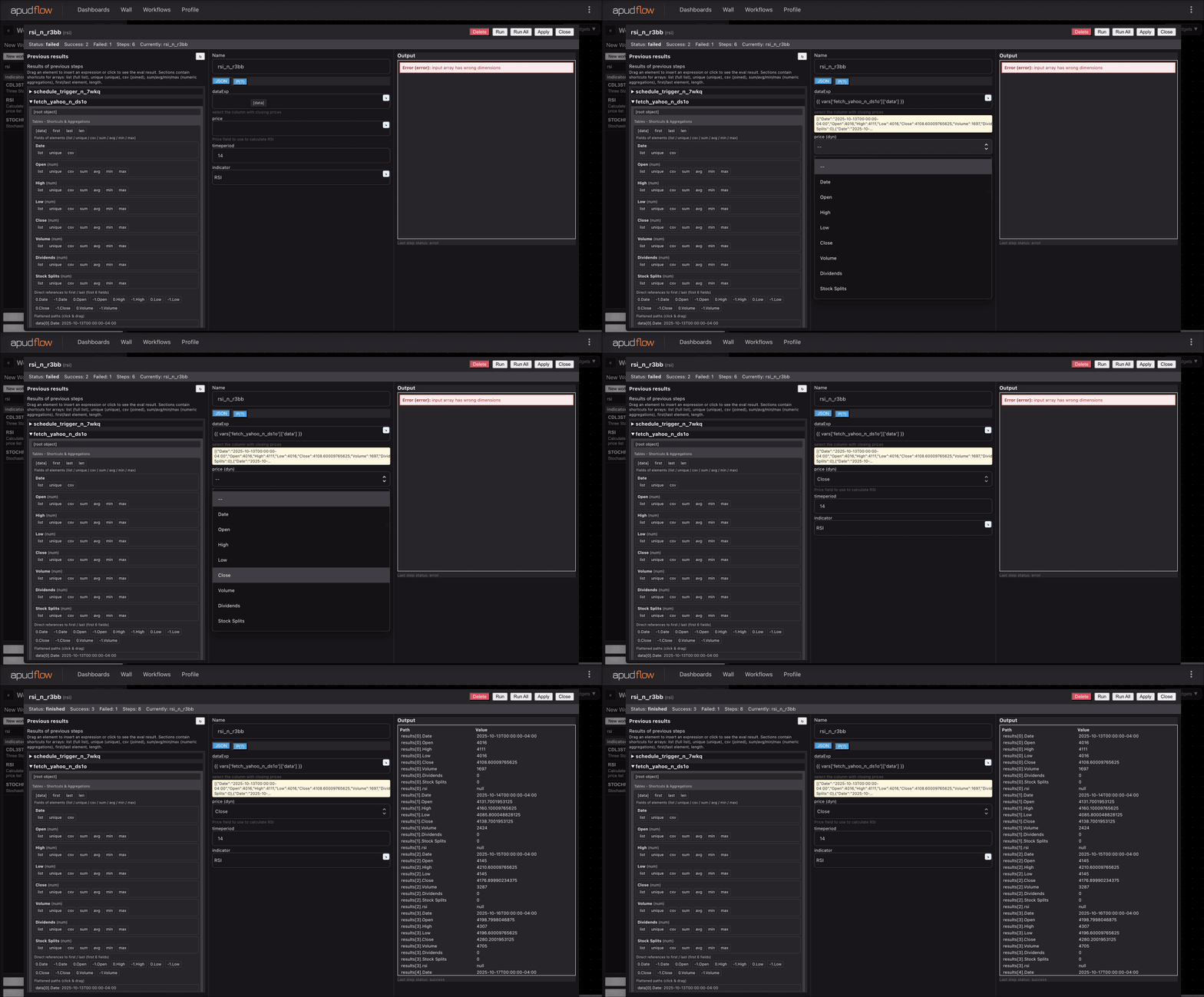](https://pub-6c7cc7f707d94ca98153d59a039b9a3d.r2.dev/indicator_short.gif)
Note: The GIFs are linked externally and may not display properly in all environments.