FLOOR
Type:
floor• Category:indicators
Description
Vector Floor
Parameters
| Name | Type | Description | Required | Default |
|---|---|---|---|---|
dataExp | string | Input data | no | |
real | string | Data column to apply the calculation to (e.g., closing price) | no |
Help
FLOOR
Description
The FLOOR indicator is a mathematical tool used in financial analysis to calculate the largest integer less than or equal to a given number. In the context of financial data, it is often applied to a specific data column, such as the closing price.
What does this worker do?
The FLOOR worker takes an input data set (dataExp) and applies the FLOOR calculation to a specified data column (real). The result is a new data set with the FLOOR values.
How to interpret the results?
The FLOOR values represent the largest integer less than or equal to the original values in the specified data column. For example, if the closing price is 45.67, the FLOOR value would be 45.
Usage
To use the FLOOR worker, simply provide the input data (dataExp) and specify the data column to apply the calculation to (real). The worker will return a new data set with the FLOOR values.
Example
Suppose we have a data set with the following closing prices:
| Date | Closing Price |
|---|---|
| 2022-01-01 | 45.67 |
| 2022-01-02 | 46.23 |
| 2022-01-03 | 44.91 |
Applying the FLOOR worker to the Closing Price column would result in:
| Date | Closing Price | FLOOR |
|---|---|---|
| 2022-01-01 | 45.67 | 45 |
| 2022-01-02 | 46.23 | 46 |
| 2022-01-03 | 44.91 | 44 |
Indicator Usage
For a visual representation of how to use the FLOOR indicator, please see the following GIFs:
Full GIF
[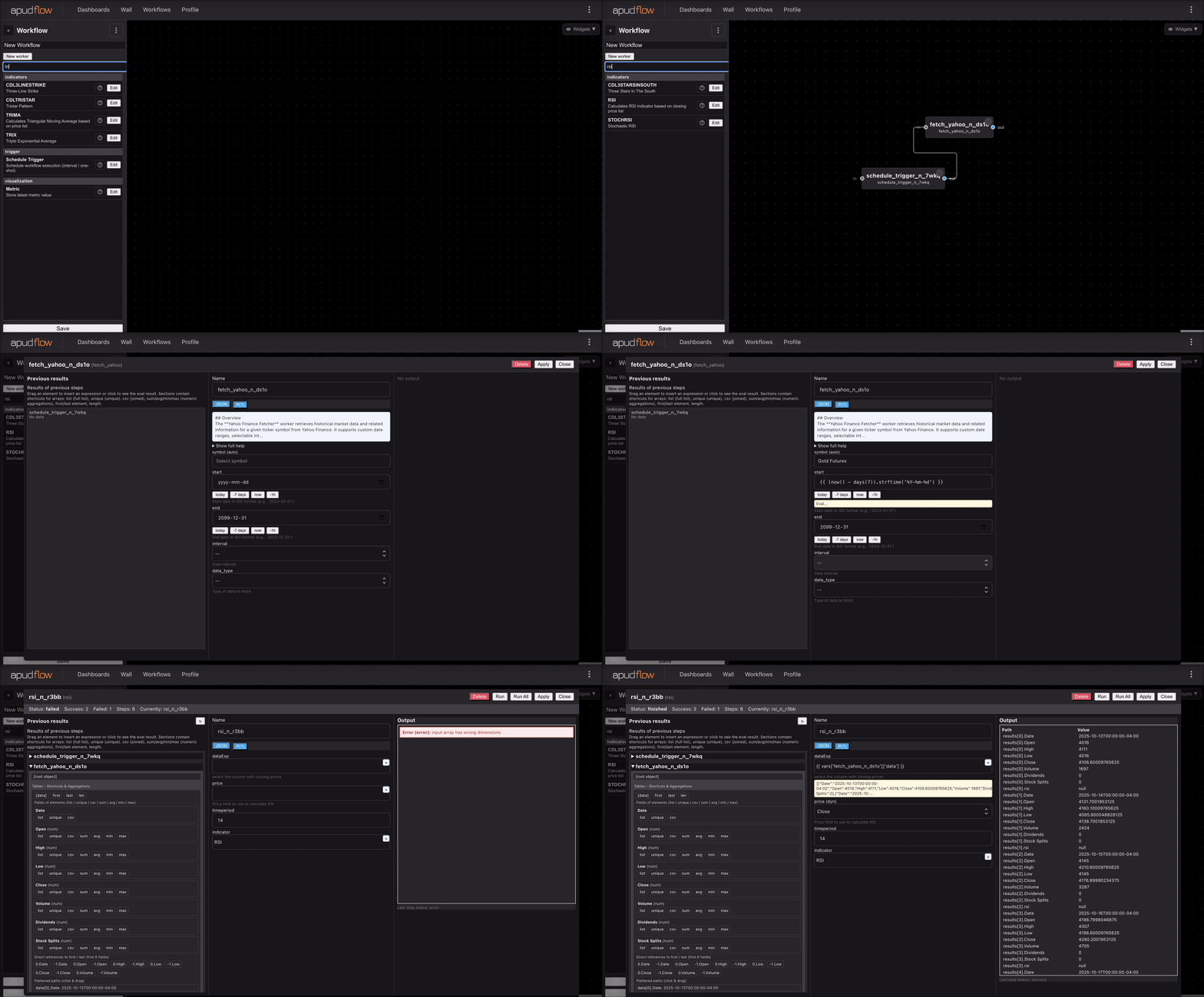](https://pub-6c7cc7f707d94ca98153d59a039b9a3d.r2.dev/indicator_full.gif)
Short GIF
[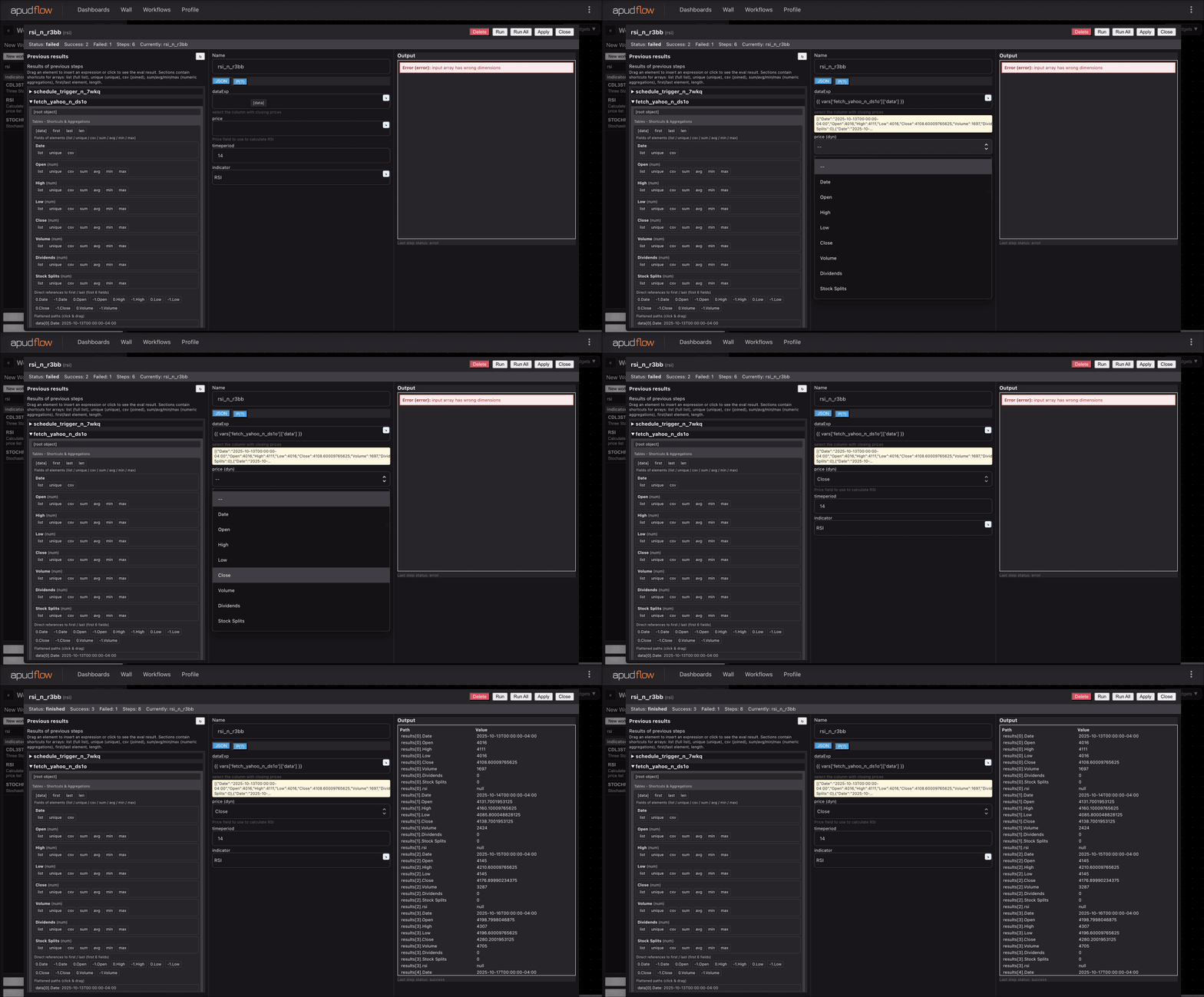](https://pub-6c7cc7f707d94ca98153d59a039b9a3d.r2.dev/indicator_short.gif)
Additional Information
The FLOOR indicator is commonly used in technical analysis to identify support levels or to create a "floor" for a security's price. It can also be used to smooth out price movements and reduce noise.
Parameters
dataExp: Input datareal: Data column to apply the calculation to (e.g., closing price)